> For the complete documentation index, see [llms.txt](https://docs.pascom.net/llms.txt). Markdown versions of documentation pages are available by appending `.md` to page URLs; this page is available as [Markdown](https://docs.pascom.net/en/setup/endpoints/snom-dect.md).
# Snom DECT System
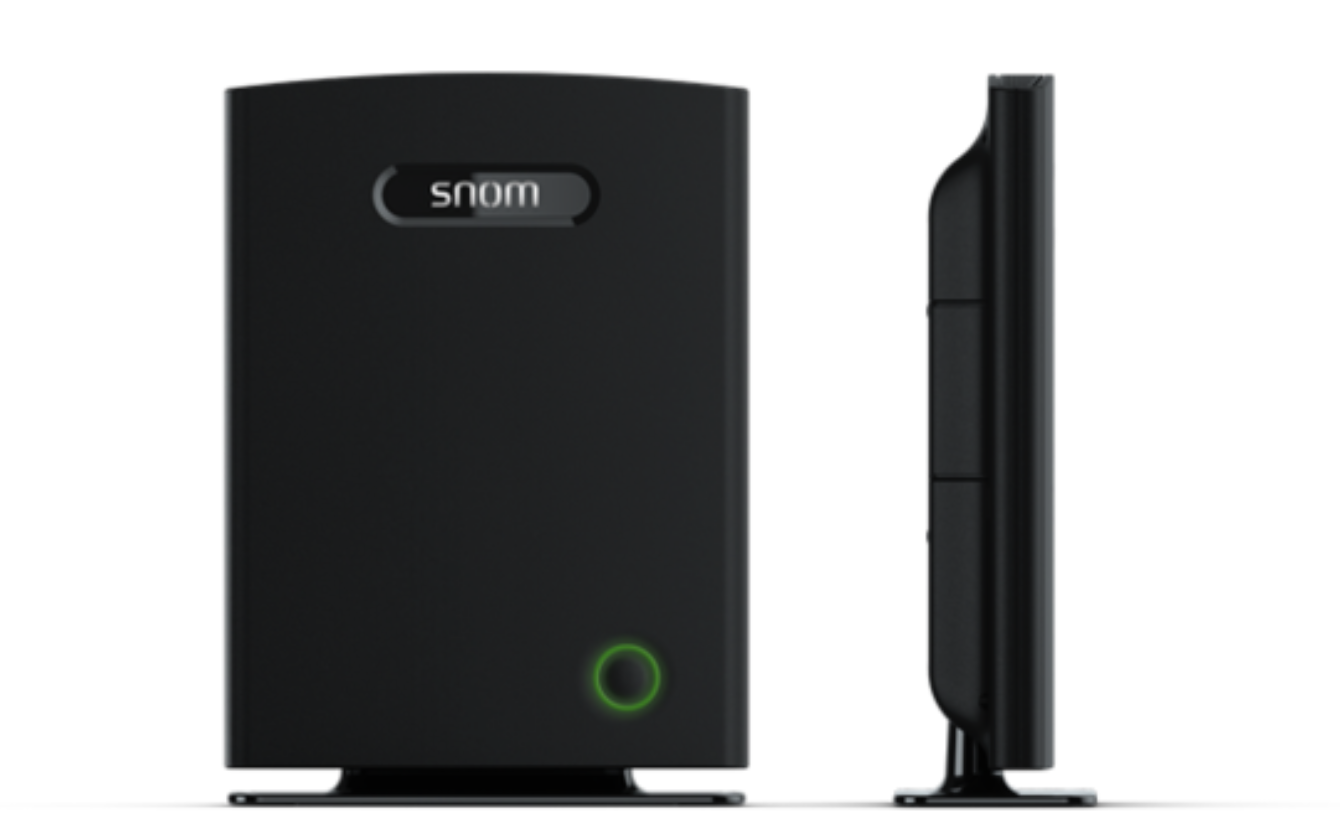
Integrate your Snom DECT System with your PASCOM IP PBX solution.
## Supported Endpoints
| Models | |
| --------- | --------- |
| Snom M400 | Snom M900 |
[SNOM EOL List](https://service.snom.com/display/wiki/Snom+products+lifecycle)
## Overview
The Snom DECT base stations can be operated in both Single Cell and Multi-Cell deployments. As such the Snom M700 is ideally suited for organisations that require additional [work place mobility](https://www.pascom.net/en/feature-overview/) over multiple floors or across larger company buildings.
### Available Channels
| | Snom DECT - Single Cell | Snom DECT - Multi-Cell |
| -------------------------------------------------------- | ----------------------- | ---------------------- |
| Narrowband (g711, g729, g726) | 10 | 8 |
| Wideband (g722), SRTP aktiviert (g722, g711, g729, g726) | 5 | 4 |
## Add a new DECT Base
### 1. Connect DECT System
Integrate the DECT system into your network.
### 2. Find the MAC Address
The MAC address can be found on the base station or on an enclosed memo.
### 3. Add Base Station
Log in to your PASCOM System and add a new basestation under **Gateways** > **Gatewaylist** of the type **SNOM Dect**.
Enter the previously determined MAC address of the DECT system in the **Mac address** field.
### 4. Apply Jobs
After saving the changes, a job box appears (above). Start the job with a click on the button **Apply**.
### 5. Find the Provision URL
Check the DECT System in the device list and select **Aktion** > **Provisioning URL**. Copy that **URL** to the clipboard.
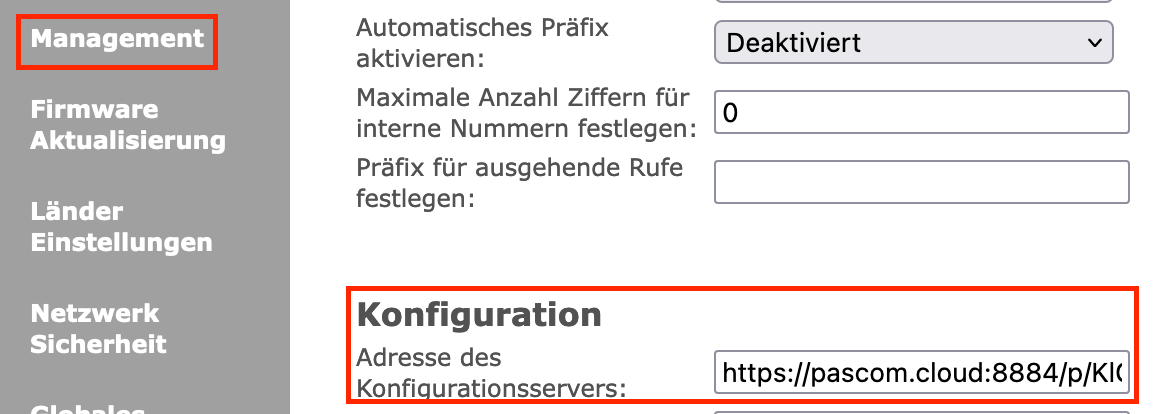
### 6. Enter the Provisioning URL to DECT base station admin UI
Enter the just copied provisioning URL on the DECT System's Web UI.
Click on **Apply** and then on **Reboot**.
## Configuring Multi-Cell Operation
Should you wish to network multiple Gateways into a multicell DECT system, simply mark and select all the desired Gateways and click **Edit**. By using the arrow buttons, you can navigate through all your selected Gateways and then edit them as follows:
Under the **Mutli Cell** option, select the value **Base Station** for one of the Gateways and for all other Gateways, select the option **Repeater**.
### Add / Assign Handsets
Under **Devices** > **Device List** > **Add**, select the option **Via Snom DECT Gateway: handset**
Ìn the next screen, you will be able to configure the device and under the **Assignment** tab you will be able to assign users and / or locations.
| Parameter | Description | Comments |
| ------------ | ----------------------------------------------------------------------------------------- | -------------------------------------------------------------------------------------------------------------------- |
| Connected to | Select a Gateway to connect to. | In multicell environments, all Gateways configured as a repeater are automatically hidden. |
| IPEI Number | Enter the handset IPEI number which can be found via the handset menu Settings > Status | The first line of the IPEI number is enough, i.e. everything after the colon (:) symbol does not need to be entered. |
| SIP Options | (Optional Step) It is possible to enter all the SIP peer options as supported by Asterisk | Please refer to Asterisk's SIP Configuration - Peers and Clients Documentation. |
### Problems with older Snom DECT firmwares
It may happen that provisioning does not work in older firmware versions because the **"Filename "** field already contains a value by default.
**The Solution:**
Log in to the web admin interface of the Snom DECT system and in the **"Management settings "** you will find the **"Filename "** field. Delete all values manually here.

---
# Agent Instructions
This documentation is published with GitBook. GitBook is the documentation platform designed so that both humans and AI agents can read, navigate, and reason over technical content effectively. Learn more at gitbook.com.
## Querying This Documentation
If you need additional information that is not directly available in this page, you can query the documentation dynamically by asking a question.
Perform an HTTP GET request on the following URL with the `ask` and `goal` query parameters:
```
GET https://docs.pascom.net/en/setup/endpoints/snom-dect.md?ask=&goal=
```
`ask` is the immediate question: it should be specific, self-contained, and written in natural language.
`goal` is what the user is ultimately trying to achieve, the reason they need the answer. Sharing it helps GitBook give you a better, more relevant answer. A goal is most helpful when it describes the outcome the user wants rather than restating the question. For example, with `ask=how do I create an API token`, a goal like `build a script that syncs our docs to a CMS` lets GitBook tailor the answer to that use case.
The response will contain a direct answer to the question and relevant excerpts and sources from the documentation.
Use this mechanism when the answer is not explicitly present in the current page, you need clarification or additional context, or you want to retrieve related documentation sections.